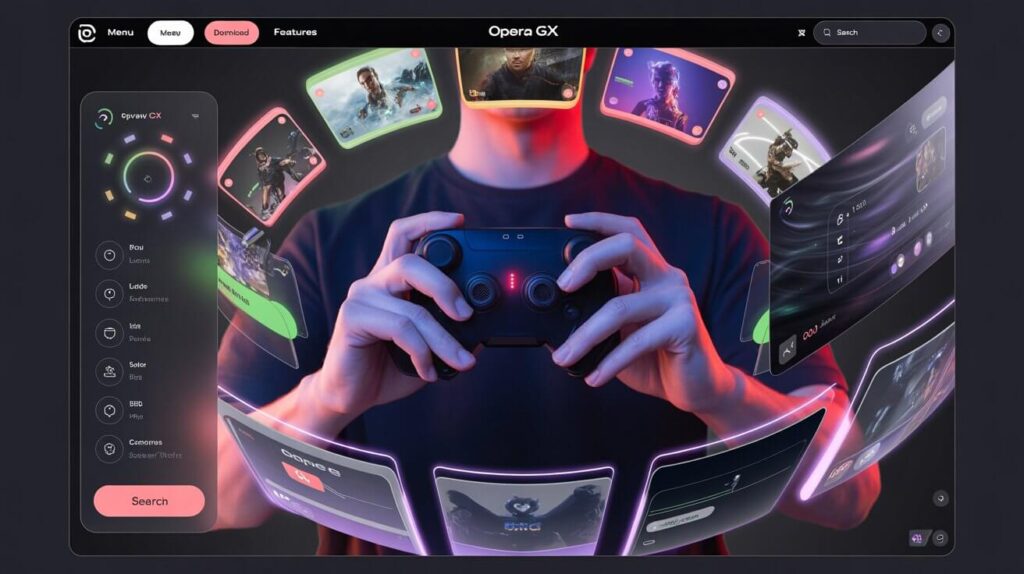
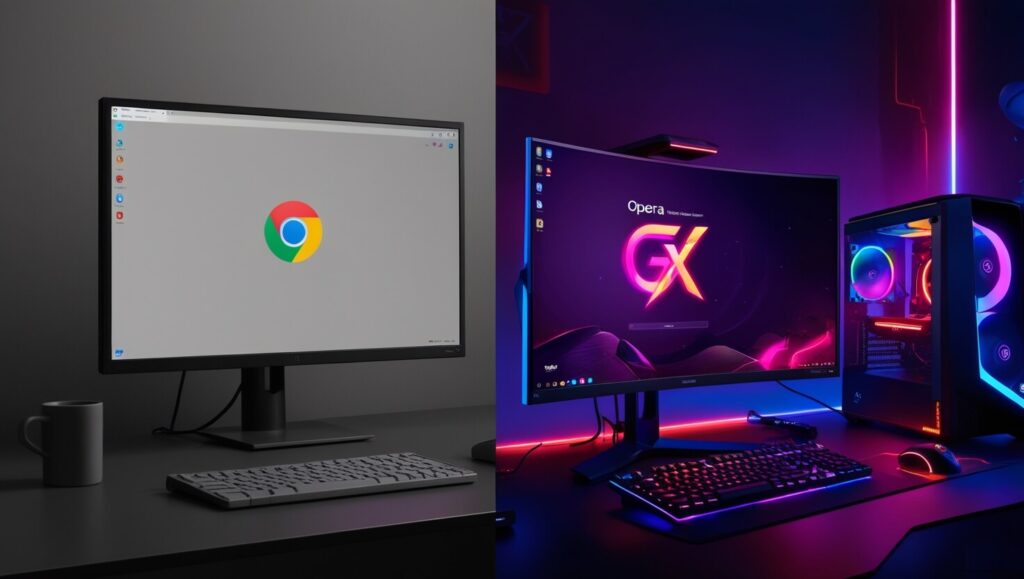
Beyond performance and speed, Opera GX has built its identity around deep personalization. From sounds and backgrounds to fully themed interfaces, the GX Mod Store lets users shape their browsing experience to match their gaming style. Whether you’re into neon aesthetics, retro consoles, or dark cyberpunk vibes, mods are the secret weapon that make this browser stand out.
Table of Contents
What Are GX Mods and How Do They Work?
Let’s be real. Most of us don’t have time to scroll through ten sites just to find out what games are dropping this week or where to grab a quick deal. GX corner solves that in one move. It’s a built-in feature sitting quietly in the sidebar, showing a personalized gaming feed that updates in real time.
The layout is clean. You get a rotating banner with top offers, a vertical timeline of game releases by platform, and curated lists like “free on Epic” or “under $10 on Steam.” Everything is fast to load and surprisingly snappy, even on mid-tier setups.
I find it’s especially helpful if you’re juggling work, school, and gaming. You don’t have to be glued to Twitter or Reddit threads to stay updated. The browser does the scanning for you.
And it’s not just about saving time. GX corner actually brings value by surfacing stuff you might have missed. I grabbed Control for free on Epic one weekend just because I saw the alert in the feed. That’s the kind of thing that makes you trust the tool.
This section alone already makes Opera GX stand out from Chrome or Edge, but there’s more.
If you’re into comparing browsers feature-by-feature, I’d recommend also checking the full breakdown of Opera GX vs Chrome. The difference shows up fast when you factor in the gaming tools.
never miss a release with the calendar view
Okay so the release calendar? That’s where GX corner really got me.
You open it, and right away you see game titles lined up by day, organized by platform. PC, PS5, Xbox, Switch—they’re all there, color-coded and filterable. You can scroll week by week and bookmark titles you’re watching.
It’s like having a mini gaming roadmap always a click away. And what I like most is that it’s not bloated. No ads, no autoplay trailers, no nonsense. Just the info.
If you’re a content creator or streamer, this tool becomes your silent assistant. You can plan streams around new releases or prep for content drops early. You won’t have to rely on Twitter leaks or YouTube “upcoming game” lists anymore. GX corner cuts through all of that.
Personally, I use it every Sunday when I plan my week. I pop it open, see what’s coming up, and decide if I need to pre-load anything or clear some SSD space. It’s part of the habit now.
The one downside? It’s still a bit too PC-heavy. The console section could use more love, especially for Nintendo titles. But even so, it beats having to search release dates game by game.
GX corner also links naturally with the customization and mods section. When you’re styling your browser or switching themes for a seasonal look, it feels nice to have both aesthetics and updates flowing together.